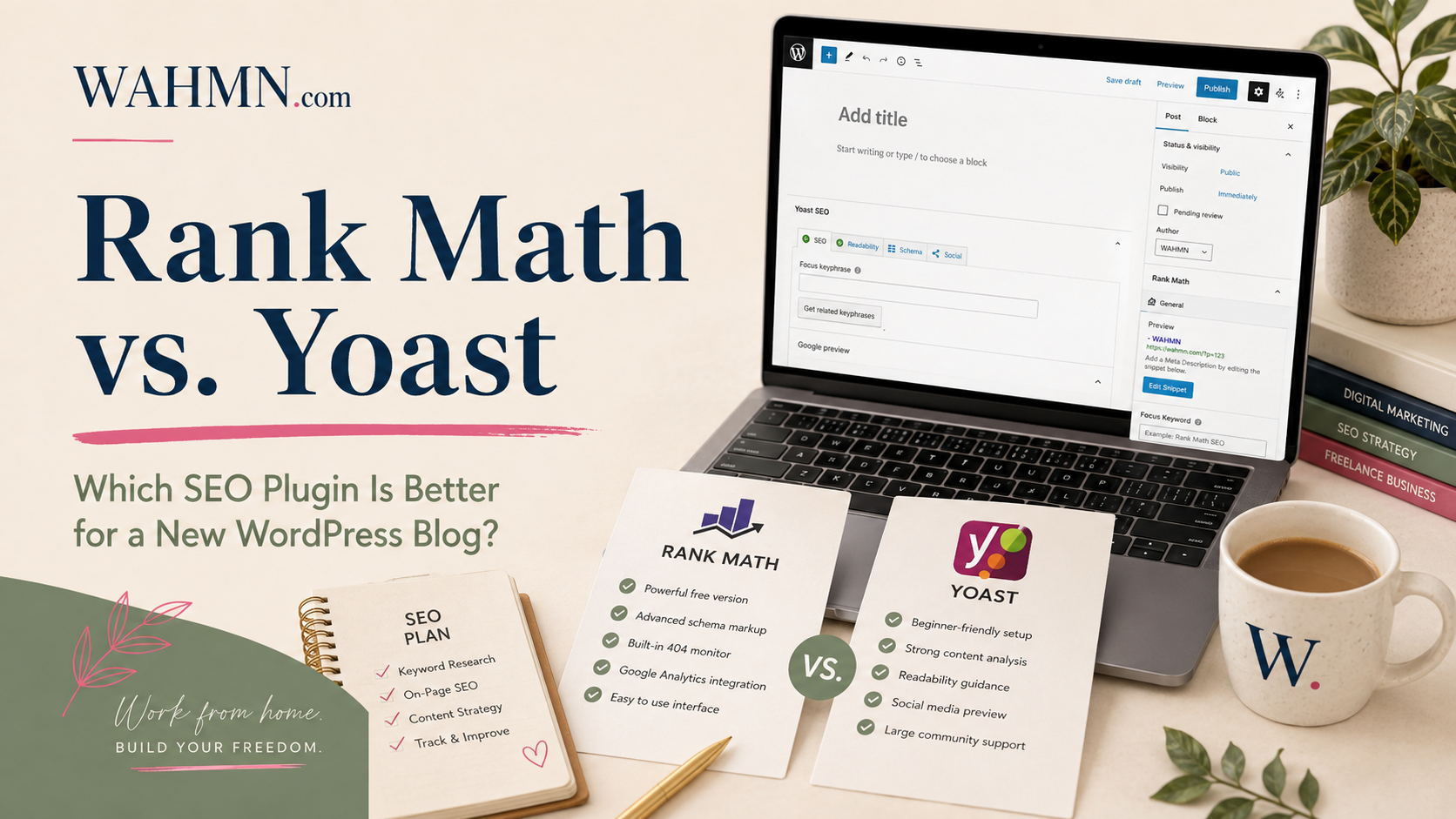
Rank Math vs. Yoast: Which SEO Plugin Is Better for a New WordPress Blog?
Starting a new website is an exciting journey, but navigating the world of search engine optimization can feel overwhelming. Many creators find themselves stuck choosing between Rank Math vs Yoast when setting up their site. Both tools offer powerful features to help your content climb the rankings, but they cater to different needs.
Finding the best SEO plugin for WordPress beginners is essential for long-term success. You want a solution that simplifies complex tasks without requiring a degree in computer science. Whether you prioritize a clean interface or advanced automation, the debate of Yoast vs Rank Math often comes down to your specific goals.
In this guide, we will break down the usability, features, and overall value of these two industry giants. Our goal is to help you make an informed decision so you can focus on what matters most: creating great content for your audience.
Key Takeaways
- Both plugins provide essential tools to improve your site’s visibility on search engines.
- Beginners should look for user-friendly interfaces that offer clear guidance.
- Automation features can save significant time for solo bloggers and small teams.
- Performance impact is a critical factor when choosing your primary optimization tool.
- Support and community resources play a major role in your long-term learning experience.
Introduction
Starting a new WordPress blog is an exciting journey, but choosing the right tools is essential for long-term success. When you build your site, the Rank Math vs Yoast debate often becomes the first major hurdle you face. Both tools promise to simplify your workflow, yet they offer different paths to achieving search visibility.
Finding the best SEO plugin for WordPress beginners requires looking past the marketing hype. You need a solution that balances technical power with a user-friendly interface. A solid foundation ensures that your content reaches the right audience without requiring a degree in computer science.
When comparing Yoast vs Rank Math, it is helpful to consider your specific goals as a creator. Some bloggers prioritize simplicity, while others prefer advanced features that allow for deep customization. The following table highlights the core differences that matter most to new site owners in the United States.
| Feature | Rank Math | Yoast SEO |
|---|---|---|
| Primary Focus | Feature-rich automation | Guided content optimization |
| Ease of Use | High (Setup Wizard) | Very High (Intuitive) |
| Free Version | Extensive features | Essential tools |
| Best For | Power users | Beginners |
Ultimately, your choice should reflect your comfort level with technical settings. Consistency in your content strategy will always outweigh the specific features of any single plugin. By selecting a tool that fits your current workflow, you set yourself up for sustainable growth and better search rankings.
At-a-glance table
If you are debating between Rank Math vs Yoast, this quick comparison will help you decide which tool fits your specific needs. Both plugins offer powerful ways to boost your search engine visibility, but they cater to different types of users.
While Yoast vs Rank Math often comes down to personal preference, the following data highlights the technical differences. Use this overview to determine which features matter most for your new WordPress blog.
| Feature | Rank Math | Yoast SEO |
|---|---|---|
| Free Functionality | Extensive (includes schema & redirects) | Standard (focuses on readability & basics) |
| Learning Curve | Moderate (many advanced settings) | Easy (beginner-friendly interface) |
| Pricing Model | Competitive Rank Math vs Yoast pricing | Premium subscription model |
| Best For | Power users wanting Rank Math vs Yoast free features | Beginners needing guided optimization |
| Performance | Lightweight and modular | Reliable and well-established |
What an SEO plugin can and cannot do
An SEO plugin for WordPress acts as a helpful assistant, not a magic wand for your search rankings. Whether you choose Rank Math or Yoast, these tools provide the framework to help search engines understand your site. However, they cannot guarantee that your content will reach the first page of Google on their own.
These plugins excel at handling technical tasks that would otherwise require coding knowledge. They manage your sitemaps, meta descriptions, and schema markup with ease. By automating these WordPress SEO basics, they save you significant time during your daily publishing routine.
Despite these benefits, you remain the primary architect of your website’s success. A plugin cannot perform deep keyword research, write engaging content, or build high-quality backlinks for you. You must still define your strategy, ensure your information is accurate, and make the final decisions on what to publish.
“SEO is not a set-it-and-forget-it task; it is a continuous process of providing value to your audience.”
The following table highlights the clear division between what your plugin manages and what you must handle as a content creator.
| Feature Category | Plugin Responsibility | User Responsibility |
|---|---|---|
| Technical Setup | Sitemaps & Indexing | Site Architecture |
| Content Strategy | Meta Tag Formatting | Keyword Research |
| Off-Page SEO | Social Media Integration | Link Building |
| Quality Control | Readability Analysis | Originality & Accuracy |
Installation/setup
Whether you choose Rank Math or Yoast, the initial setup process defines your site’s path to success. A smooth WordPress SEO plugin installation is the foundation of a healthy site, ensuring that search engines can crawl your content effectively from day one.
Both plugins offer intuitive setup wizards designed to guide beginners through the technical maze of site configuration. These assistants help you connect your site to Google Search Console and configure basic metadata settings without requiring deep coding knowledge.
“The secret of getting ahead is getting started.”
When performing a Rank Math SEO setup, you will notice a highly interactive interface that suggests specific configurations based on your site type. Similarly, a Yoast SEO setup focuses on a clean, step-by-step approach that prioritizes readability and basic indexing rules.
It is tempting to click “next” until the process finishes, but you should always review the recommendations carefully. Accepting every default setting without understanding its effect can lead to unintended consequences for your site’s visibility.
If you are switching tools, both plugins provide features to import your existing data seamlessly. This makes the Yoast vs Rank Math transition much easier for site owners who want to test new features without losing their hard-earned progress. Always verify your settings after an import to ensure that your previous configurations align with the new plugin’s logic.
Beginner interface
Navigating your WordPress SEO dashboard should be a simple and stress-free experience. When you are deciding between Rank Math or Yoast, the way each plugin presents information is a major factor. A clean layout helps you focus on writing great content instead of getting lost in complex settings.
Yoast SEO is known for its classic, straightforward approach. It uses a familiar traffic-light system that is very easy to understand. This makes it a strong contender for the best SEO plugin for WordPress beginners who want clear, actionable feedback without any extra noise.
“Simplicity is the ultimate sophistication.”
On the other hand, Rank Math offers a more modern, modular design. It is a highly beginner-friendly SEO plugin because it allows you to toggle features on or off. If you do not need a specific tool, you can hide it to keep your workspace tidy and uncluttered.
When you open the post editor, both plugins integrate well, but they offer different experiences:
- Yoast SEO keeps things consistent with a sidebar or meta box that focuses on readability and basic keyword placement.
- Rank Math provides a more detailed score and a wider range of suggestions directly within the editor interface.
If you prefer a minimalist setup, you might find Yoast to be more approachable. However, if you enjoy having more control over your settings as you grow, Rank Math’s ability to hide advanced options is a fantastic feature. Ultimately, the right choice depends on whether you want a guided, simple path or a flexible, feature-rich environment.
On-page guidance
Choosing the best SEO plugin for WordPress beginners often comes down to how well it guides your writing process. These tools act like a personal editor, helping you refine your content before you hit the publish button.
Both Rank Math on-page SEO and Yoast on-page SEO offer robust suites to help you optimize your articles. They provide real-time feedback as you type, which is incredibly helpful for those new to digital publishing.
When you use these tools, you gain access to a variety of helpful features designed to improve your search visibility:
- Focus keywords: Track how well your target phrases appear in your text.
- Snippet previews: See exactly how your post will look in Google search results.
- Readability checks: Ensure your sentences are easy for humans to read.
- Image guidance: Get reminders to add descriptive alt text to your photos.
It is important to remember that SEO content analysis tools provide suggestions rather than strict rules. These recommendations are helpful prompts, but they do not guarantee a top ranking on search engine results pages.
You should avoid the trap of writing solely for the plugin’s green light. If you force keywords into your sentences, your content will sound robotic and lose its natural flow.
Instead, use these tools to enhance your writing rather than dictate it. Focus on creating high-quality, helpful content for your readers first, and use the plugin’s feedback to polish your work for better search engine performance.
Free vs free
Choosing the right SEO plugin often starts with a simple question: what do you actually get for free? When evaluating Rank Math vs Yoast free versions, it is important to look at the actual utility provided to your site without requiring a credit card. Both plugins offer a solid foundation, but their philosophies regarding what constitutes a “basic” feature differ significantly.
If you are comparing Yoast vs Rank Math, you will notice that both provide essential tools like meta title and description editing. However, the depth of these tools varies. While one plugin focuses on a streamlined, guided experience, the other aims to pack as many technical settings as possible into the initial installation.
Finding the best free SEO plugin for WordPress often comes down to your specific technical needs. Some users prefer a minimalist approach that avoids overwhelming them with settings. Others want advanced control over their site structure, schema markup, and indexing rules from day one without paying a subscription fee.
When examining Rank Math free features, you will find that they include many tools that other developers often reserve for premium tiers. Conversely, Yoast free features are highly polished and focus on readability and basic keyword optimization. It is essential to test both to see which interface aligns better with your daily workflow.
| Feature | Rank Math (Free) | Yoast SEO (Free) |
|---|---|---|
| Keyword Optimization | Up to 5 keywords | 1 focus keyword |
| Schema Markup | Advanced/Customizable | Basic/Standard |
| Redirect Manager | Included | Not included |
| Internal Linking | Suggestions | Limited |
| Support | Community/Ticket | Community |
Schema
Structured data acts as a bridge between your website content and search engine crawlers. When deciding between Rank Math or Yoast, understanding how each plugin handles this technical layer is essential for your site’s visibility.
Effective WordPress schema markup tells search engines exactly what your page represents. Whether you are publishing an article, a product page, or an organization profile, the right data helps crawlers categorize your information accurately.
The Rank Math schema generator is highly regarded for its flexibility. It allows users to select specific schema types for individual posts and provides a wide range of customization options right out of the box. This level of control is perfect for users who want to define their content types precisely.
In contrast, Yoast schema focuses on a more automated, hands-off approach. It builds a comprehensive graph of your site by default, which reduces the manual effort required for standard pages. While it offers less granular control for beginners, it ensures that your site meets basic technical standards without extra configuration.
Regardless of the plugin you choose, successful structured data SEO relies on one golden rule: your schema must match the visible content on your page. If your markup claims a page is a product, but the page only contains a blog post, you risk confusing search engines. Always use validation tools to ensure your implementation is error-free and reflects the actual user experience.
Redirects
Redirects are the unsung heroes of site maintenance, ensuring your readers never hit a dead end. When you update your content or clean up your site structure, WordPress redirects act as a bridge to keep your traffic flowing smoothly. They prevent the frustration of 404 error pages that can hurt your site’s reputation.
If you are choosing between plugins, the approach to link management differs. Rank Math redirects are often praised for being built directly into the free version, offering a robust set of tools for beginners. In contrast, Yoast redirects are typically reserved for their premium version, which might be a deciding factor for bloggers on a strict budget.
A high-quality SEO redirect manager should do more than just move traffic. It must allow you to choose specific status codes, such as 301 for permanent moves or 302 for temporary changes. Reliability is key, so look for features that monitor your links and provide safeguards against circular rules that could crash your site.
While these tools are powerful, they are not a substitute for careful planning. You should always aim to keep your URL structure clean and logical from the start. Strategic URL management reduces the need for excessive redirects, which keeps your site running fast and efficiently.
Redirects are essential for maintaining your site’s authority when you move or delete content, but they should be used as a tool for maintenance rather than a fix for poor planning.
Internal linking
Smart internal linking SEO strategies can transform how readers navigate your content. By connecting related posts, you help visitors discover more of your work while signaling to search engines how your pages relate to one another.
When you build WordPress internal links, you create a roadmap for your site. This structure ensures that your most important content receives the authority it needs to rank well in search results.
If you are looking at Rank Math internal linking, you will find helpful suggestions based on your content. The plugin analyzes your site to recommend relevant posts to link to while you write.
Conversely, Yoast internal linking offers a similar feature in its premium version. It provides a list of related articles that you can easily insert into your current post to improve site navigation.
However, do not rely solely on automation. For a new blog, your editorial judgment remains the most powerful tool in your kit. A thoughtful category structure and a consistent publishing schedule often provide more value than automated suggestions alone.
Focus on creating logical paths for your readers. When you manually link to a related guide or a deep-dive article, you provide genuine value that automated tools might miss. Keep your links relevant, and your readers will stay on your site longer.
Sitemaps/indexing
A well-structured WordPress XML sitemap acts as a roadmap for search engine crawlers. It tells Google and Bing exactly which pages on your site are important and deserve attention. Both Rank Math and Yoast provide automated tools to generate these files, ensuring your site structure remains clean and organized.
When you use a Rank Math sitemap, you gain granular control over which post types and taxonomies appear in your index. Similarly, the Yoast sitemap feature automatically updates whenever you publish new content. These plugins simplify the technical side of SEO, allowing you to focus on creating great articles.
However, users often fall into the trap of thinking that submitting a sitemap forces search engines to index every single URL. This is a common misunderstanding. A sitemap is merely a suggestion to crawlers, not a guarantee of inclusion in search results.
To maintain a healthy site, you must master your SEO indexing settings. These controls allow you to manage how bots interact with your content:
- Noindex tags: Use these to hide thin content or private pages from search results.
- Robots directives: Fine-tune how specific bots crawl your site architecture.
- Post-type controls: Exclude specific categories or tags that do not add value to your SEO profile.
Choosing the right plugin often comes down to how much control you want over these technical details. Whether you prefer the streamlined approach of Yoast or the advanced, modular settings found in Rank Math, both tools provide the necessary foundation for your site’s visibility. Ultimately, your goal is to guide search engines toward your best content while keeping clutter out of the index.
Search Console/analytics
Monitoring your website’s health directly from your WordPress dashboard saves significant time. By utilizing Google Search Console integration, you can track how your pages appear in search results without constantly switching browser tabs. This streamlined approach helps you focus on creating content rather than managing complex technical reports.
When comparing options, the Rank Math Search Console module stands out for its deep integration. It pulls data directly into your WordPress admin area, allowing you to see impressions, clicks, and keyword rankings for specific posts. This level of WordPress SEO analytics is incredibly helpful for beginners who want to see what works at a glance.
On the other hand, the Yoast Search Console approach focuses on simplicity and core data points. While it provides essential insights, it avoids overwhelming users with too many charts or confusing metrics. For many new bloggers, this cleaner interface prevents the “analysis paralysis” that often comes with too much raw data.
It is important to remember that more data does not always mean better results. You should prioritize tools that highlight actionable trends, such as declining traffic or missing index pages. The following table breaks down how these two popular plugins handle your site data.
| Feature | Rank Math | Yoast SEO |
|---|---|---|
| Dashboard Integration | High (Detailed) | Moderate (Essential) |
| Data Depth | Advanced Metrics | Simplified Overview |
| Ease of Use | Beginner-Friendly | Very Intuitive |
| Primary Focus | Performance Tracking | Content Optimization |
Ultimately, your choice depends on how much detail you prefer. If you enjoy digging into WordPress SEO analytics, the Rank Math Search Console offers a wealth of information. If you prefer a minimalist setup, the Yoast Search Console features provide exactly what you need to stay informed without the extra noise.
Regardless of the plugin, ensure your Google Search Console integration is verified correctly. This connection is the foundation for all your traffic insights and indexing reports. Once linked, you can confidently track your growth and refine your strategy over time.
Local SEO and WooCommerce
When you operate a business in the United States, your website needs to do more than just share blog posts. Whether you are choosing Rank Math or Yoast, you must consider how each tool handles specialized data for your specific goals.
If you run a physical storefront, a local SEO WordPress plugin becomes essential for your success. These tools help you manage business details like your address, phone number, and operating hours. By using local business SEO features, you ensure that search engines correctly identify your location, which is vital for appearing in map packs and local search results.
For those managing an online shop, WooCommerce SEO is a different beast entirely. You need a plugin that understands how to handle product metadata, unique descriptions, and complex breadcrumbs. Proper ecommerce schema is also necessary to display your product prices and stock status directly in search results, which can significantly increase your click-through rates.
Here is how these two plugins generally approach these advanced features:
- Rank Math often includes advanced schema and local SEO features in its free version, making it a popular choice for budget-conscious store owners.
- Yoast provides a dedicated WooCommerce plugin that offers deep integration, though some advanced local features may require a premium subscription.
- Both plugins allow you to define your business type, which helps search engines categorize your site correctly.
It is important to note that if you are running a simple personal blog, you likely do not need these features. You can safely ignore these settings to keep your site lightweight and fast. However, if you plan to scale your site into a commercial venture, choosing the right local SEO WordPress plugin early will save you time on future migrations.
Ultimately, the best choice depends on your comfort level with technical settings. WooCommerce SEO requires consistent attention to detail, especially when managing large inventories. Whether you prioritize ecommerce schema or local business listings, ensure your chosen plugin supports your long-term growth strategy. If you have not settled on WordPress yet, Wix versus WordPress for a home-based business is the decision to make first.
AI features
Modern AI SEO tools have transformed how bloggers approach content optimization. Both plugins now offer integrated assistants that help generate meta descriptions, suggest keywords, and analyze content readability in real-time.
These features aim to save time by automating repetitive tasks. While they provide a significant boost, they should be viewed as a supplement to your own writing rather than a total replacement for human insight.
Pricing
Understanding Rank Math vs Yoast pricing is essential for long-term budget planning. Both companies utilize a subscription model that unlocks advanced features, though their structures differ slightly.
Rank Math pricing is often praised for its flexibility, offering a single license that covers multiple sites. Conversely, Yoast pricing typically follows a per-site model, which can become more expensive as your network of blogs grows.
When free is enough
For many new bloggers, the Rank Math vs Yoast free versions provide more than enough power to get started. You can handle basic meta tags, XML sitemaps, and social media previews without spending a dime.
If your site is in the early stages of growth, you can safely postpone payment. Focus your limited budget on high-quality hosting or domain registration until your traffic justifies the investment in premium tools.
When paid is worth it
Upgrading to a premium plan becomes beneficial when you need advanced automation or specialized schema types. Paid versions offer deeper insights into your site’s performance and provide priority support.
Consider upgrading if you find yourself needing:
- Advanced schema markup for complex content types.
- Automated redirect management for large site structures.
- Detailed keyword tracking and rank monitoring.
Migration
Performing a WordPress SEO migration between these two plugins is generally straightforward. Both developers provide built-in import tools that transfer your existing metadata and settings with just a few clicks.
Before you switch, always create a full site backup to ensure your data remains safe. After the import, verify that your titles, descriptions, and redirects are functioning correctly to maintain your search engine rankings.
Performance claims
Marketing materials often highlight speed, but real WordPress SEO performance depends on your specific site configuration. Both plugins remain lightweight enough for most hosting environments. You should prioritize your site’s core vitals over minor differences in plugin code.
Decision by user type
Choosing between Rank Math or Yoast depends on your comfort level. If you want a simple, reliable tool, Yoast remains the best SEO plugin for WordPress beginners. Users who prefer advanced features and granular control often find Rank Math provides better value.
Budget-conscious bloggers often start with the free versions of either tool. Stores and power users might prefer the premium features found in a Rank Math vs Yoast comparison. Pick the interface that feels most intuitive for your daily workflow.
FAQs
Is it risky to switch plugins? Migrating is safe if you use the built-in import tools provided by both developers. Does one plugin guarantee higher rankings? No single tool replaces quality content and smart strategy.
Which option is truly superior? The best SEO plugin for WordPress beginners is the one you actually use to optimize your pages. Evaluate your needs, test the interface, and commit to a consistent strategy for your website growth.
FAQ
Between Rank Math or Yoast, which one is easier for a brand-new blogger to set up?
When looking at Rank Math vs Yoast free versions, which plugin offers more features without paying?
How does Rank Math vs Yoast pricing compare for those looking to upgrade?
Can I switch from Yoast vs Rank Math without losing my current Google rankings?
Does using an SEO plugin guarantee that my WordPress blog will rank on the first page of Google?
Why is Yoast SEO still considered the best SEO plugin for WordPress beginners by so many experts?
A plugin will not bring traffic on its own. Blogging Business System covers the work that does, from topics through to income.
Keep reading on WAHMN
More articles in this category, browse the full article library, or explore our business tools and learning paths.