
The complete course + Resource Library method
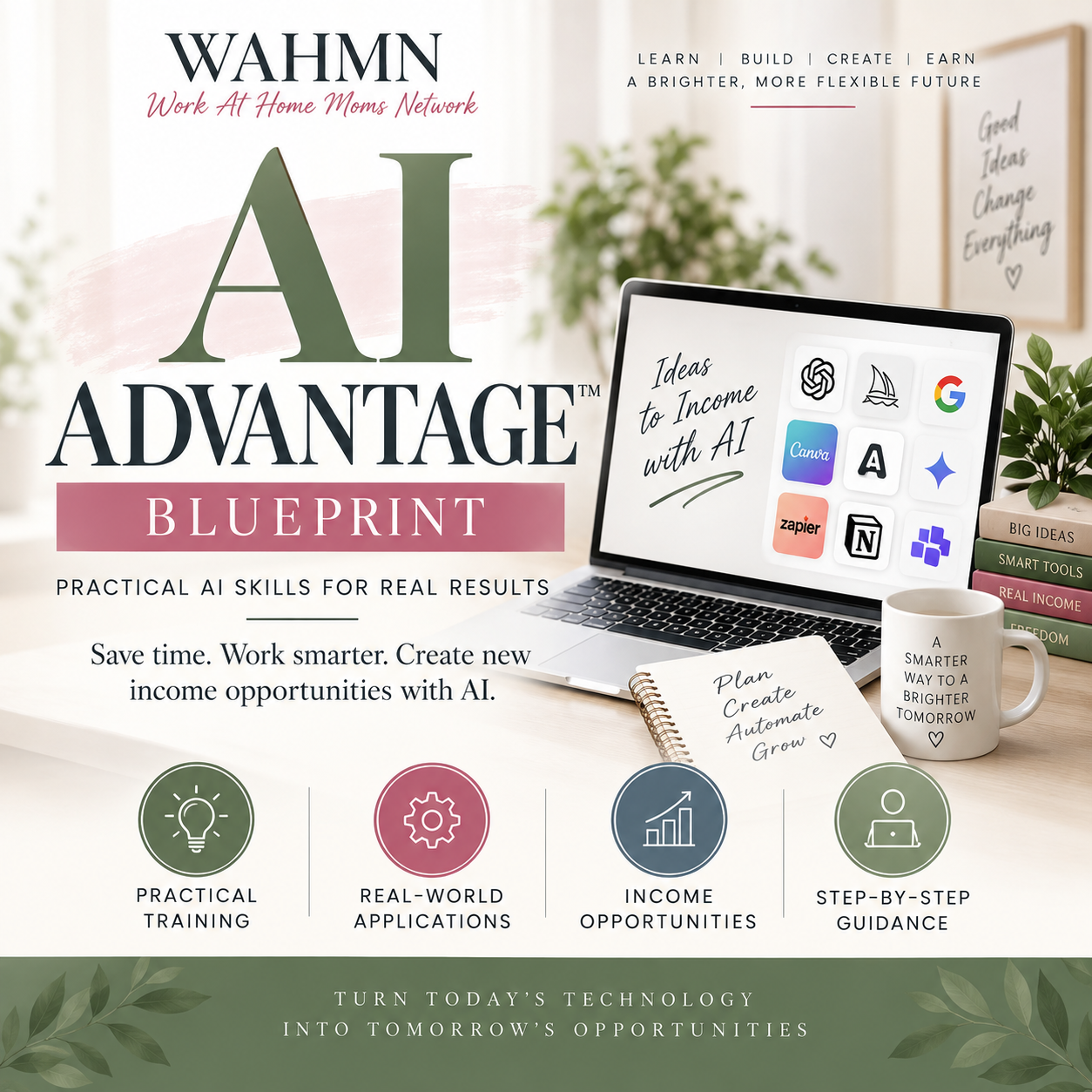
AI ADVANTAGEBLUEPRINT
Master AI for Your Business,
Content, Systems, and Growth.
A step-by-step course that helps non-technical business owners use AI to save time, create better content, build offers, improve marketing, make websites more easily, and develop simple apps and tools to test and sell.
No course subscription
10 modules · 22 Build Labs · Learn at your pace
Skill first. Tools second.
Turn AI Into a Practical Business Skill
AI is not just for tech experts. Learn to use it in simple, practical ways to create better work, make progress on your ideas, and build a business with less guesswork. You keep the judgment; AI helps with the work.
More possibility.
Less overwhelm.
Save Time
Get help with research, first drafts, planning, and repetitive tasks.
Write With Your Voice
Create blogs, emails, captions, and sales materials that sound like you.
Market Smarter
Research your audience, clarify your message, and plan useful campaigns.
Build Better Systems
Organize workflows and choose low-risk work to automate.
Create Digital Products
Turn your ideas into resources, products, and tools you can develop.
Stay Organized
Keep your prompts, decisions, and finished assets in one useful library.
Who This Is For
Practical AI skills for your next business idea, the work you already do, and the projects you want to finish.
AI beginners
Start with a clear method, not a pile of confusing tips.
Bloggers & creators
Research, write, edit, and plan useful content.
Coaches & freelancers
Improve offers, client resources, and everyday work.
Small-business owners
Simplify marketing and build repeatable systems.
Women building at home
Apply the skills around your real responsibilities.
People with an idea
Explore websites, digital products, and simple tools.

starts with practical skills.
Skills that create possibilities
What You’ll Be Able to Do
When You Finish
Apply the lessons to your own project as you learn. You will practice how to:
- Understand what AI can and cannot do.
- Write clearer prompts and give useful context.
- Improve weak results instead of accepting the first draft.
- Research ideas and check important facts.
- Create blog posts, emails, captions, and lead magnets.
- Develop a reusable voice file and brand guide.
- Brainstorm and evaluate business ideas.
- Research your market and competitors.
- Build a one-page business plan.
- Plan website pages and create content for them.
- Apply AI to simple website and landing-page projects.
- Plan and prototype simple apps and useful tools.
- Develop digital products you could offer for sale.
- Create content plans and marketing campaigns.
- Build checklists and operating procedures.
- Draft customer replies and business documents.
- Choose what to automate and what stays human.
- Build and test one practical automation.
- Organize reusable prompts and finished assets.
- Create an operations manual you can keep improving.
Put your new skills to work
What You Can Build With These Skills
This is the same kind of practical AI method used to develop websites, apps, and business tools: explain the job, provide context, build in stages, test the result, and improve it.
Websites & Landing Pages
Use AI to plan your pages, draft your copy, and help you create or refine a simple site with a suitable builder. Turn “I need a website” into a clear project you can build and test.
Simple Apps & Tools to Sell
Start with a small, useful problem. Apply the method to a calculator, planner, or other simple app prototype, then test it and develop the delivery and offer before charging customers.
Lead Magnets & Resources
Plan useful guides, checklists, and resources for your audience.
Digital Products
Shape an idea, build the asset, and prepare a clear offer.
Content & Marketing
Develop articles, emails, campaign plans, and sales materials.
Repeatable Workflows
Document recurring work and test practical automations.
Websites and apps are applications of the course method, not a promise of production-ready software from one prompt. Public or paid tools still need testing, secure setup, appropriate publishing tools, and technical help where needed. Third-party software and hosting costs are separate.
How It Works
A simple process for going from learning to doing.
- 1
Learn the Concepts
Follow the lessons and understand what AI needs from you.
- 2
Apply Them With Build Labs
Put the method into practice on a project that matters.
- 3
Save What Works
Build your personal library of prompts and finished assets.
- 4
Use the Skills in Your Business
Keep creating, checking, and improving your work.
Learn the skill. Build the assets.
Invest in Your Future
Get lifetime course access to AI Advantage Blueprint and its companion learning materials.
No course subscription
One payment. No course subscription.
Get AI Advantage Now- 10 complete course modules
- 22 hands-on Build Labs
- Workbook and planning tools
- Reusable prompt patterns
- A personal Resource Library method
- Learn at your own pace
Publisher setup: the checkout destination has not been connected. Replace REPLACE_WITH_CHECKOUT_URL in this page with your real checkout URL before publishing. No order has been placed.
A Few Questions, Answered
Do I need to be technical?
No technical background is required to start. You will practice with an AI tool and a real project. Some website, app, or automation projects may need additional software or technical help as they become more complex.
Can I use this for a business I already have?
Yes. You can apply the business half of the program to a new idea or use the same process to improve your existing content, offers, marketing, and operations.
Are AI subscriptions and hosting included?
No. The purchase covers the course and its included resources. Third-party AI plans, website hosting, app builders, and other software may have separate fees. Choose tools that fit your project and budget.
Is this just a prompt collection?
No. You learn how to structure work, provide context, improve results, verify important information, and save useful processes. The aim is a practical skill you can apply as the tools change.