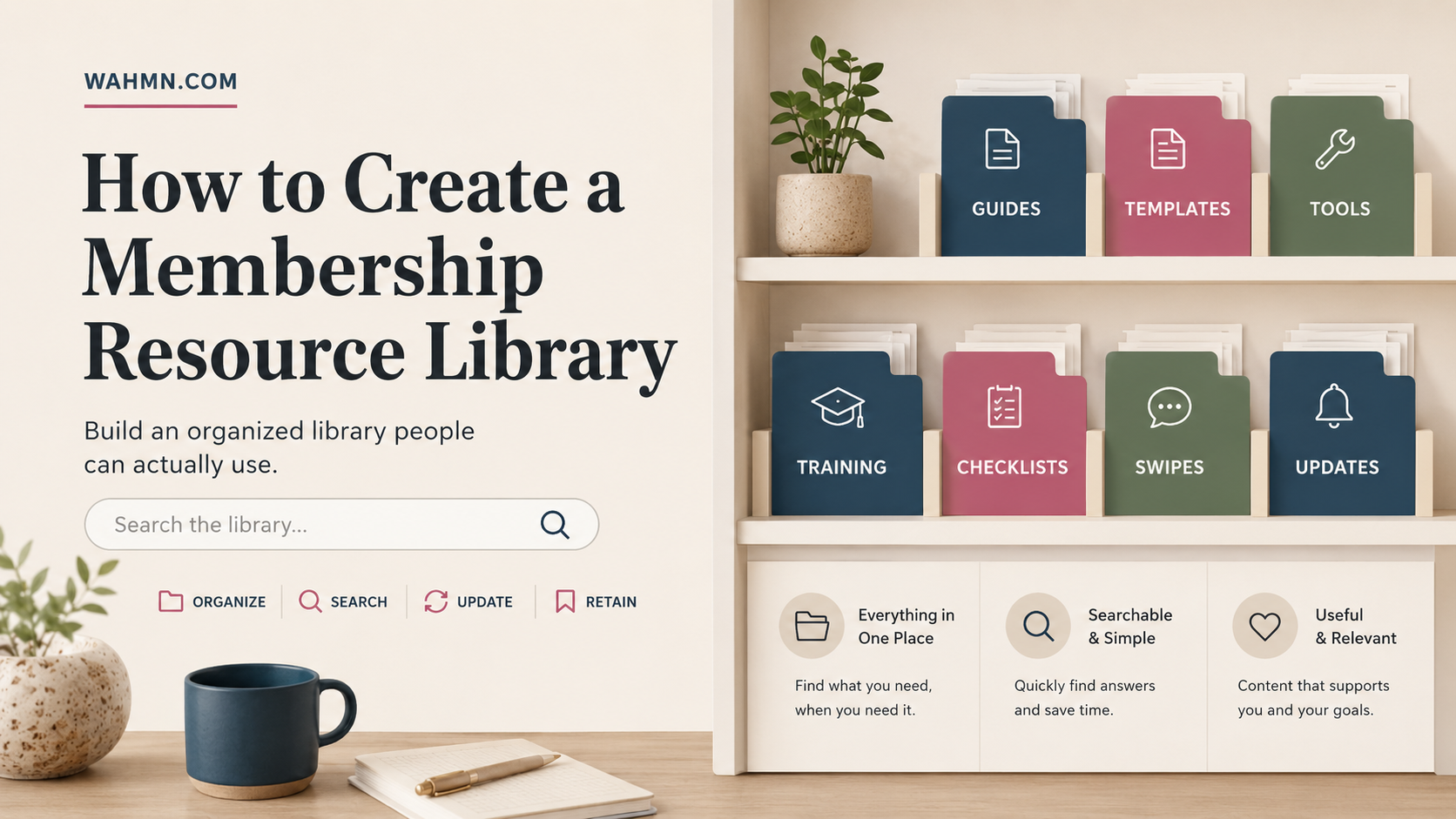
How to Create a Membership Resource Library
In this article
- How to create a membership resource library: Define the purpose and member experience
- Plan the library’s content structure before building it
- Choose the right platform for membership site creation
- Build the digital library and organize its resources
- Protect member-exclusive content with effective access rules
- Make the resource library easy and enjoyable to use
- Launch, promote, and onboard members into the library
- Maintain and improve the subscription resource library
- Conclusion
- FAQ
Building valuable digital assets for your community is the best way to boost long-term member retention. When you offer a central hub for exclusive content, you provide immediate value that keeps subscribers coming back for more.
Learning how to create a membership resource library requires careful planning and smart organization. A well-structured portal improves the overall user experience by making information easy to find and consume.
This guide walks you through a comprehensive 10-step process. We will cover everything from defining your unique member experience to maintaining your collection for years of growth.
Key Takeaways
- Centralized hubs significantly increase subscriber engagement and satisfaction.
- Smart organization helps members find relevant content without frustration.
- Defining your audience needs is the first step toward success.
- Consistent maintenance ensures your portal remains a high-value asset.
- A smooth user experience drives long-term retention and loyalty.
How to create a membership resource library: Define the purpose and member experience
Success in membership site creation begins with a clear vision of your member’s journey. Before you worry about software or design, you must understand exactly who you are serving and why they need your help. A well-defined purpose ensures that every resource you add provides real value to your community.
Identify the members, problems, and outcomes the library will support
Your library should act as a bridge between where your members are now and where they want to be. Start by mapping out the specific pain points that keep your audience awake at night. When you solve these problems, you build deep trust and loyalty.
- Target Audience: Define the specific niche or professional group you serve.
- Core Problems: List the top three challenges your members face daily.
- Desired Outcomes: Describe the transformation your members experience after using your resources.
Choose the content types that fit the membership promise
Not all content is created equal, and your format should match the learning style of your members. If your audience is busy, they might prefer quick checklists or audio summaries. If they are looking for deep mastery, they will likely value comprehensive video courses or detailed workbooks.
Aligning your content format with your brand promise is a vital part of membership site creation. Always ask yourself if a specific resource helps the member reach their goal faster or more effectively. If it does not, it may clutter the library rather than enhance it.
Set goals for engagement, retention, and resource usage
To keep your members coming back, you need to measure what matters. Setting clear goals allows you to track if your library is actually helping your business grow. Focus on these three pillars to ensure long-term success:
- Engagement: Track how often members log in and interact with new materials.
- Retention: Monitor if members who use the library stay subscribed longer than those who do not.
- Resource Usage: Identify which assets are downloaded or viewed most frequently to guide future content creation.
By establishing these metrics early, you turn your library into a dynamic asset rather than a static folder. This strategic approach to membership site creation sets the stage for a sustainable and profitable community experience.
Plan the library’s content structure before building it
Before you upload a single file, you must map out your digital library setup to ensure long-term success. A disorganized collection of assets often leads to member frustration and high churn rates. By planning your architecture first, you create a predictable environment where users can find exactly what they need to achieve their goals.
Group resources into clear member-focused categories
Avoid organizing your library by internal business departments or file types. Instead, group your assets based on the specific outcomes your members want to achieve. When categories align with user goals, the navigation becomes intuitive and highly effective.
Map beginner, intermediate, and advanced content paths
Not every member arrives at your site with the same level of expertise. You should design clear learning paths that guide users from foundational concepts to complex strategies. This digital library setup ensures that beginners feel supported while advanced users find the depth they crave.
Create a content inventory and identify gaps
Take a full audit of your existing materials to see what you already have on hand. A spreadsheet is a great tool to track your assets and identify missing pieces in your curriculum. If you notice a lack of resources for a specific skill level, you can prioritize creating that content next.
Decide which resources belong in a searchable archive
Not all content needs to be front-and-center on your main dashboard. A searchable archive allows members to dig deeper into your library without cluttering the primary user interface. Use this space for older tutorials or niche templates that remain valuable but are not needed daily.
Use consistent titles, descriptions, and file names
Consistency is the backbone of a professional digital library setup. Use a standardized naming convention for every file and page title to make search results more accurate. When your metadata is uniform, members spend less time guessing and more time learning.
Separate evergreen resources from time-sensitive updates
Clearly distinguish between content that lasts for years and updates that expire quickly. You might place evergreen guides in a “Core Principles” section, while keeping news or market updates in a “Current Trends” feed. This distinction helps members understand which information remains relevant for their long-term growth.
| Content Type | Primary Goal | Update Frequency | Access Level |
|---|---|---|---|
| Evergreen Guides | Skill Building | Annually | All Members |
| Live Workshop Replays | Engagement | Monthly | Premium Only |
| Industry News | Relevance | Weekly | All Members |
| Advanced Templates | Implementation | Quarterly | Pro Members |
Choose the right platform for membership site creation
Selecting the right technology is the foundation of your digital library. Effective online resource management depends on choosing a system that matches your content volume and operational goals.
Compare all-in-one membership platforms with custom websites
All-in-one platforms like Kajabi or MemberPress offer a streamlined experience. These tools handle hosting, payments, and security in one place, which saves significant time.
Custom websites built on WordPress provide more flexibility but require more technical oversight. You must decide if you prefer an all-inclusive solution or a modular setup that you control entirely.
| Feature | All-in-One | Custom Site |
|---|---|---|
| Setup Speed | Fast | Slow |
| Customization | Limited | High |
| Maintenance | Low | High |
Evaluate access controls, payment tools, and user accounts
Your platform must manage member permissions with precision. Look for systems that allow you to gate content based on specific subscription tiers.
Reliable payment processing is also vital. Ensure your chosen tool supports recurring billing and integrates with major gateways like Stripe or PayPal to keep your revenue stream stable.
Check support for video, downloads, courses, and live content
A robust library needs to handle various media formats seamlessly. Your platform should support high-quality video hosting and secure file downloads for PDFs or templates.
If you plan to offer live workshops, verify that the system supports easy scheduling and registration. Versatility in media delivery keeps your members engaged over the long term.
Review integrations for email marketing, analytics, and customer support
Successful online resource management requires data-driven decisions. Your platform should connect easily with email marketing tools to nurture your audience.
Additionally, look for built-in analytics to track which resources are most popular. Strong integrations with help-desk software will also ensure you can support your members quickly.
Prioritize mobile access and reliable page performance
Most members will access your library from their phones or tablets. A responsive design is not optional; it is a requirement for a professional user experience.
Fast page load times are equally important. If your library is slow, members will likely lose interest and cancel their subscriptions.
Estimate setup, subscription, transaction, and maintenance costs
Budgeting for online resource management involves more than just the monthly subscription fee. You must account for transaction percentages, plugin costs, and potential developer fees.
Always calculate the total cost of ownership before committing to a platform. A clear budget helps you maintain a sustainable business model while providing high value to your members.
Build the digital library and organize its resources
Once you have your platform, the real work of building a subscription library begins with organizing your digital assets. A well-structured environment ensures that your members find exactly what they need without feeling overwhelmed by the volume of information.
Set up the main library dashboard and navigation
Your dashboard acts as the central hub for your entire membership. It should feature clear, intuitive navigation that guides users toward their specific goals. Simplicity is key when you want to keep members engaged and moving through your content.
Create resource pages that explain how each asset should be used
Every resource page must provide context to ensure members get the most value from your materials. Do not just upload a file; explain the intended outcome and provide instructions on how to apply the information. This extra step helps members feel supported throughout their learning journey.
Upload and format videos, documents, templates, audio, and worksheets
When building a subscription library, you must ensure that all file types are accessible and easy to consume. Use high-quality video hosting, clear PDF formatting, and downloadable templates that are ready for immediate use. Consistency in your file naming and formatting builds trust and professionalism.
Add filters, tags, search functions, and sorting options
As your collection grows, searchability becomes the most important feature for your users. Implementing robust filters and tags allows members to sort content by topic, difficulty level, or format. This functionality is essential for building a subscription library that remains useful as you add more content over time.
Use descriptive metadata to improve online resource management
Descriptive metadata helps both your internal organization and your site’s search performance. By tagging assets with relevant keywords and clear descriptions, you make it easier for members to discover hidden gems within your archive.
Design a consistent layout for every resource category
A uniform design language across all categories creates a seamless user experience. When every page follows the same structure, members intuitively know where to look for download buttons, video players, or related links. Consistency reduces friction and encourages members to explore more of your library.
Connect related resources to encourage deeper exploration
Linking related content is a powerful way to increase member retention. By suggesting a follow-up worksheet or a related video at the end of a lesson, you keep members active and interested. This strategy creates a dynamic learning path that encourages users to dive deeper into your expertise.
Protect member-exclusive content with effective access rules
Securing your digital assets is the foundation of a successful membership site. When you master content access website development, you ensure that your premium materials remain exclusive to the right audience. This balance between security and user experience is vital for long-term growth. If you are building the site as well as the library, building a membership website with AI covers that half.
Define access levels for free, standard, premium, and team members
Creating clear tiers helps members understand the value of their subscription. You should map out exactly what each group can see to avoid confusion and frustration.
| Tier | Access Level | Primary Benefit |
|---|---|---|
| Free | Limited | Sample content |
| Standard | Core Library | Full basic access |
| Premium | All-Access | Exclusive masterclasses |
| Team | Multi-Seat | Admin dashboard |
Configure subscription-based permissions and content visibility
Your platform must automatically adjust visibility based on the user’s current status. Using automated rules for content access website development prevents manual errors and keeps your library organized. Consistency is key when managing permissions across different membership levels.
Decide how to handle cancellations, refunds, pauses, and expired accounts
Define clear policies for when a subscription ends. You might choose to revoke access immediately upon cancellation or allow the member to finish their paid period. Providing a “pause” option is a smart way to reduce churn while keeping the user in your ecosystem.
Protect downloadable files, videos, and private links
Direct links to your files can easily be shared without permission. Use secure, expiring URLs for downloads and host your videos on platforms that prevent unauthorized embedding. This ensures that your intellectual property stays within your site.
Use secure logins, strong password policies, and two-factor authentication
Security starts at the front door. Encourage members to use complex passwords and offer two-factor authentication to prevent unauthorized account takeovers. These measures provide peace of mind for both you and your community.
Limit account sharing without creating unnecessary friction
While you want to prevent password sharing, avoid overly aggressive tracking that punishes legitimate users. Use tools that flag suspicious activity, such as simultaneous logins from different countries, rather than locking accounts for minor IP changes.
Test access rules from the perspective of different member types
Before you launch, perform a full audit of your permissions. Log in as a free user, a standard member, and a premium subscriber to verify that each sees only what they should. Thorough testing is the best way to avoid support tickets and maintain a professional reputation.
Make the resource library easy and enjoyable to use
A well-designed member-exclusive content platform turns a simple login into a productive learning session. When your interface feels intuitive, members spend less time searching and more time engaging with your valuable materials.
Design a simple path from sign-in to the right resource
Your dashboard should act as a clear roadmap for every user. Upon signing in, members should immediately see their most relevant content or their recent progress. Simplicity is the ultimate sophistication when it comes to user retention.
Write helpful labels, descriptions, and calls to action
Avoid technical jargon that might confuse new users. Use clear, descriptive labels for every category and file. Every button should feature a strong call to action, such as “Download Template” or “Watch Tutorial,” to guide the user toward the next step.
Improve accessibility with captions, transcripts, alt text, and readable layouts
Inclusivity ensures that every member can benefit from your library. Always provide transcripts for audio files and captions for all video content. Using high-contrast colors and descriptive alt text for images makes your member-exclusive content platform accessible to everyone.
Optimize the library for phones, tablets, and desktop screens
Most users will access your library from various devices throughout their day. A responsive layout ensures that your content looks great and functions perfectly regardless of screen size. Consistency across devices builds trust and encourages frequent visits.
Reduce clicks, clutter, and confusing navigation choices
Keep your primary navigation menu limited to the most important sections. Remove unnecessary sidebar widgets that distract from the core content. A clean, minimalist design helps members focus on the task at hand without feeling overwhelmed.
Provide clear instructions for viewing, saving, and downloading content
Do not assume that every user knows how to handle digital files. Include brief, step-by-step instructions near download buttons to prevent frustration. Providing these small details shows that you value your members’ time and effort.
Offer personalized recommendations based on member goals or activity
Smart systems can suggest resources that align with a member’s specific interests. By tracking what they have already viewed, your member-exclusive content platform can highlight new assets that provide immediate value. This personalized touch makes the library feel like a curated experience rather than a static archive.
| Feature | Basic Setup | Optimized Experience |
|---|---|---|
| Navigation | Complex menus | Simplified, intuitive paths |
| Accessibility | Limited support | Full captions and transcripts |
| Device Support | Desktop only | Fully responsive design |
| Recommendations | Manual search | Automated, personalized suggestions |
Launch, promote, and onboard members into the library
Turning your vision into a live experience is the most exciting phase of building a digital library. A smooth debut ensures that your subscription-based resource archive provides immediate value to every new user who logs in.
Complete a pre-launch quality assurance checklist
Before opening the doors, verify that every technical component functions perfectly. A thorough review prevents frustration and builds trust with your early adopters.
- Test all payment gateways and checkout flows.
- Verify that download links and video players work across browsers.
- Check that access permissions correctly restrict or grant content based on membership tiers.
- Proofread all navigation labels and instructional text for clarity.
Invite a small group of members to test the experience
Invite a handful of loyal users to explore the site before the public release. This pilot group provides invaluable feedback on usability and helps you identify hidden friction points. Their early insights allow you to refine the interface, ensuring the final product feels intuitive and polished.
Create a welcome path that explains where to begin
New members often feel overwhelmed when faced with a vast collection of materials. A structured welcome path acts as a roadmap, guiding them toward the most relevant content for their specific goals.
Send an onboarding email sequence with useful first actions
Automated emails help bridge the gap between signing up and finding success. Encourage users to complete one small task, such as downloading a template or watching a short tutorial, to build early momentum.
Use guided tours, welcome videos, and sample resources
Visual aids significantly improve the user experience. A brief welcome video can humanize your brand, while a guided tour highlights the most powerful features of your subscription-based resource archive. Providing a few free samples allows members to experience the quality of your work immediately.
Explain the library’s value in sales pages and subscription offers
Your marketing materials should clearly articulate the transformation your resources provide. Focus on the outcomes members achieve rather than just the list of files available. Use persuasive language to show how your platform solves their specific pain points and saves them time.
Announce new resources through email, notifications, and community channels
Keep the excitement alive by regularly highlighting fresh additions to your library. Consistent communication reminds members of the ongoing value they receive. Whether through a monthly newsletter or a dedicated community channel, keeping your audience informed ensures they continue to engage with your subscription-based resource archive long after the initial launch.
Maintain and improve the subscription resource library
Successful membership owners treat their resource library as a living, breathing ecosystem. Creating a digital resource library is not a one-time project; it is an ongoing commitment to your community. By staying proactive, you ensure that your members continue to find immense value in your platform over the long term.
Establish a realistic publishing and update schedule
Consistency builds trust with your audience. You should create a content calendar that outlines when new assets will be added and when existing ones will be reviewed. Setting a sustainable pace prevents burnout while keeping your library feeling fresh and active.
Review usage data to find popular and overlooked resources
Data acts as a compass for your content strategy. By analyzing which assets receive the most clicks, you can double down on what works best. Conversely, identifying underutilized resources allows you to either promote them better or remove them to reduce clutter.
Remove outdated files and refresh content that no longer performs
A clean library is easier to navigate. Periodically audit your files to ensure all information remains accurate and relevant to current industry standards. If a resource no longer serves a purpose, do not hesitate to archive or replace it.
Track searches that return no results
Your search bar is a goldmine of member intent. When users search for terms that yield zero results, they are telling you exactly what they need. Use this information to prioritize your next content creation cycle.
Monitor downloads, completion rates, cancellations, and renewals
Key performance indicators provide a clear picture of your library’s health. High download rates often correlate with high retention, while a spike in cancellations might suggest a need for better onboarding or more relevant content. Keep a close eye on these metrics:
- Download frequency: Identifies the most valuable assets.
- Completion rates: Shows if your courses or guides are engaging.
- Renewal trends: Highlights the overall satisfaction of your members.
Collect member feedback through surveys, support requests, and interviews
Direct communication is the best way to understand your members’ needs. Regularly ask for feedback through simple surveys or by reviewing common support tickets. This qualitative data often reveals insights that raw numbers might miss.
Document ownership, review dates, and maintenance responsibilities
Accountability ensures that nothing falls through the cracks. Assign specific team members to oversee different categories within your library. Maintaining a clear schedule for reviews keeps your process organized and ensures that creating a digital resource library remains a manageable, high-quality endeavor for your United States audience.
Conclusion
Your journey toward successful online content membership creation starts with a deep focus on your audience. By aligning your resources with specific member needs, you build a foundation that supports long-term growth. Every step from initial planning to technical setup serves the goal of providing real value.
Effective online content membership creation relies on more than just uploading files. It requires a commitment to clear organization, secure access, and intuitive design. When you prioritize these elements, you create a space where members feel supported and encouraged to return often.
Treat your library as a living project that evolves alongside your community. Use feedback and usage data to refine your offerings and keep your material fresh. Consistent updates ensure your platform remains a vital asset for your subscribers. Start building your library today to foster deeper connections and lasting engagement with your audience.
FAQ
What is the first step in learning how to create a membership resource library?
Which platforms are best for membership site creation?
How should I organize my assets for effective online resource management?
How can I protect my member-exclusive content platform from unauthorized sharing?
What are some tips for building a subscription library that keeps members coming back?
How do I handle onboarding for a new subscription-based resource archive?
How do I maintain and refresh my membership resource library over time?
Keep reading on WAHMN
More articles in this category, browse the full article library, or explore our business tools and learning paths.