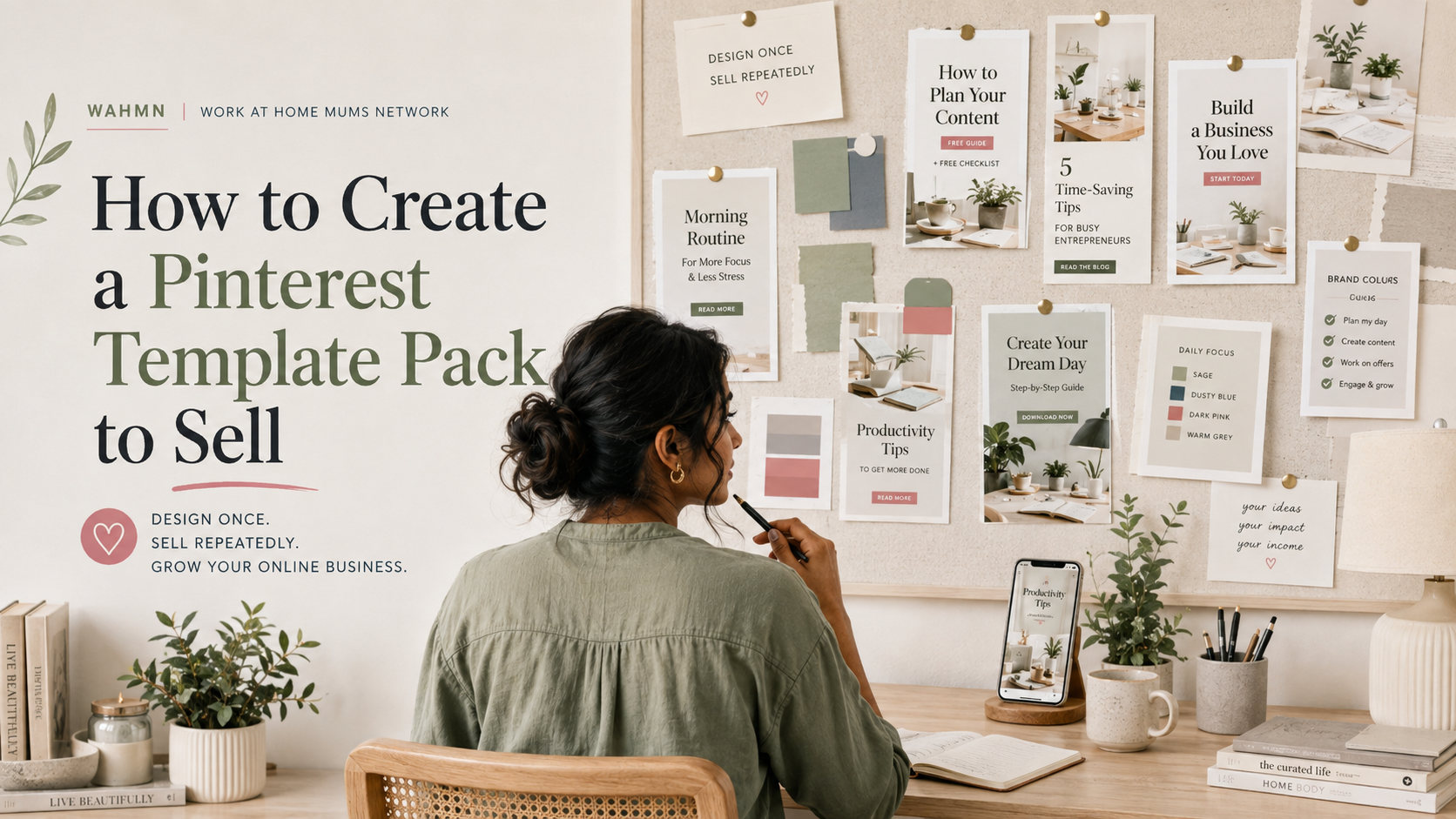
How to Create a Pinterest Template Pack to Sell
In this article
- Define the Buyer, Niche, and Purpose of Your Pinterest Template Pack
- Plan the Template Pack Before Designing
- Build a Consistent Pinterest Template Design System
- How to Create a Pinterest Template Pack to Sell
- Prepare Editable Files, Licensing, and Customer Instructions
- Package and Price the Digital Product for Buyers
- Publish the Pack and Build a Sales Path From Pinterest
- Market Templates on Pinterest and Expand Template Pack Monetization
- Conclusion
- FAQ
Are you looking for profitable ways to monetize your design skills? Learning how to create a Pinterest template pack to sell is a fantastic strategy for building passive income. Many bloggers and small business owners struggle with visual branding, making your digital assets highly valuable.
This guide walks you through the entire lifecycle of your product. We will explore essential audience research, professional design techniques, and the best ways to organize editable files. You will also learn about setting competitive prices and launching your own digital storefront.
By the end of this article, you will have a clear roadmap for building assets that customers can easily customize. Get ready to turn your creative passion into a scalable online business that helps others succeed with their marketing efforts.
Key Takeaways
- Identify your target audience to design high-converting visual assets.
- Master the technical setup for user-friendly, editable file delivery.
- Implement effective pricing strategies to maximize your profit margins.
- Choose the right digital platforms for hosting and managing your shop.
- Utilize smart promotion tactics to reach potential buyers in the United States.
Define the Buyer, Niche, and Purpose of Your Pinterest Template Pack
Creating a profitable product requires more than just good aesthetics; it requires a deep understanding of your buyer. When you move beyond making generic graphics, you transform your work into a strategic business asset. Effective Pinterest template design starts with identifying exactly who needs your help and why they need it right now.
Choose a specific audience with a recurring Pinterest marketing need
Your target audience should be people who rely on visual discovery to grow their business. Think about bloggers, online coaches, or e-commerce shop owners who struggle to keep up with daily content demands. These users have a recurring need for fresh, professional pins to drive traffic to their websites.
Match the pack to a profitable niche and content format
Once you identify your audience, align your templates with their specific content formats. For example, a coach might need templates for webinar sign-ups, while a food blogger requires layouts for recipe cards. By focusing on a profitable niche, you ensure your Pinterest template design solves a real problem rather than just providing decoration.
Research competing template packs on Etsy, Creative Market, and Pinterest
Before you open your design software, spend time analyzing the current market. Visit platforms like Etsy, Creative Market, and Pinterest to see what is already available. Look for these key indicators:
- Pack size: How many templates are included in top-selling bundles?
- Visual style: Are buyers gravitating toward minimalist, bold, or feminine aesthetics?
- Customer expectations: Read reviews to see what buyers wish was included in existing packs.
Write a clear promise for the buyer’s desired result
Every successful product needs a clear promise that guides the user toward a specific outcome. Instead of selling “a set of pins,” sell a solution that helps them “publish consistently for thirty days.” This promise acts as a compass for your Pinterest template design, ensuring every layout you create serves a functional purpose for your customer.
Plan the Template Pack Before Designing
Strategic planning is the secret ingredient to building a high-converting digital product. When you take the time to organize your ideas, you avoid unnecessary design revisions and create a more valuable asset for your customers.
Decide how many templates the pack should include
Quality always outweighs quantity when you are selling templates on Pinterest. A pack of 10 to 20 highly versatile templates is often more attractive to buyers than a massive bundle of repetitive designs.
Balance standard Pin designs with seasonal and promotional layouts
Your customers need variety to keep their feeds fresh throughout the year. By mixing standard evergreen layouts with specific seasonal and promotional designs, you provide a complete marketing solution that works for every campaign.
Create a content and keyword plan for each template
Effective templates should guide the user on where to place their SEO-rich text. Before you start designing, map out where headlines and descriptions will go to ensure the final Pins are optimized for search visibility.
Map the template variations to common Pinterest dimensions
Consistency is key to a professional look. You should define a set of standard sizes, such as the classic 1000 x 1500 pixel ratio, to ensure your pack remains highly functional for all users.
Use vertical layouts that remain readable in the Pinterest feed
Vertical compositions capture more screen space on mobile devices. Keep your designs clean and uncluttered so that the core message remains instantly readable as users scroll through their feeds.
Reserve space for headlines, supporting text, and calls to action
Every template must have dedicated zones for essential marketing elements. By reserving clear space for bold headlines and strong calls to action, you help your buyers drive more traffic while selling templates on Pinterest effectively.
Build a Consistent Pinterest Template Design System
A professional design system is the secret to creating digital products for Pinterest that sell. By establishing a unified visual language, you ensure that your templates look polished while remaining easy for buyers to customize.
Select a cohesive color palette, font pairing, and visual style
Start by choosing a color palette that feels harmonious and on-trend. Pair this with two or three complementary fonts to create a distinctive brand identity that your customers can easily adapt to their own needs.
Design reusable grids, text blocks, and image treatments
Consistency relies on reusable elements like structured grids and specific text blocks. By standardizing these components, you provide a reliable framework that keeps every Pin looking professional regardless of the content.
Create layouts for blog posts, products, lead magnets, and video content
Your pack should offer variety to serve different marketing goals. Include specific layouts for blog posts, product showcases, lead magnets, and video Pins to ensure your customers have a versatile toolkit for their strategy.
Use hierarchy and contrast to make every Pin easy to scan
Strong visual hierarchy guides the viewer’s eye directly to the most important information. Use bold contrast between headlines and body text to ensure your designs remain highly effective in a fast-moving feed.
Keep the design flexible for different photos, headlines, and brands
The best templates allow for total creative freedom. Ensure that image frames and text boxes are easy to swap, allowing buyers to inject their own branding without breaking the original layout.
Check text legibility on mobile screens
Most users view Pinterest on their phones, so prioritize large, readable typography. Test your designs to ensure that even the smallest text remains perfectly clear on a mobile device.
Leave enough spacing around important content and calls to action
White space is essential for a clean, modern look. Always leave enough room around your calls to action to ensure they stand out and encourage clicks when creating digital products for Pinterest.
How to Create a Pinterest Template Pack to Sell
Transforming your design concepts into a professional product involves a systematic workflow. Mastering the technical side of Pinterest template pack creation ensures that your final files are both beautiful and functional for your customers.
Set up the master file and organize editable design elements
Start by creating a clean master file in your chosen design software. Use a logical naming convention for your layers and folders to keep the workspace tidy. Organization is the secret to a smooth production process.
Design the first core templates from the approved content plan
Begin by building your primary layouts based on your initial research. Focus on the most essential formats, such as blog post covers or product features. These core designs serve as the foundation for the rest of your collection.
Duplicate and adapt layouts without making the pack feel repetitive
Once your core designs are set, create variations by shifting elements or changing the grid structure. You want to provide enough variety so that users can create a cohesive brand aesthetic. Variety keeps your pack valuable and prevents the designs from looking like simple clones.
Add editable text, image areas, colors, and branding elements
Ensure that every design element is easy for the buyer to modify. Use placeholder text and frames for images so customers can drag and drop their own assets. Providing a clear color palette allows users to match the templates to their specific brand identity quickly.
Test every template with realistic Pinterest content
Before finalizing your files, populate them with real headlines and high-quality photography. This step reveals how the templates handle different amounts of text or varying image orientations. Testing is vital to ensure the layouts remain balanced under real-world conditions.
Review template alignment, spacing, and export quality
Check every design for consistent margins and professional alignment. Verify that your export settings produce crisp, high-resolution images that look sharp on mobile devices. High-quality output is a key factor in learning how to create a Pinterest template pack to sell that earns five-star reviews.
Remove locked or non-editable elements that buyers need to customize
Double-check your files to ensure no background elements are accidentally locked. If a user cannot move a text box or change a color, they will likely feel frustrated. Unlock all essential components so your customers have full creative control over their final Pins.
Prepare Editable Files, Licensing, and Customer Instructions
When you start selling design assets on Pinterest, the quality of your delivery files matters most. Providing a professional, user-friendly experience ensures that your customers feel confident in their purchase and return for future needs.
Choose a delivery format for Canva, Adobe Express, or another design tool
Most buyers prefer platforms that allow for instant, browser-based editing. Canva remains the industry standard, but Adobe Express is gaining traction for its robust creative features.
| Platform | Ease of Use | Editing Flexibility | Target Audience |
|---|---|---|---|
| Canva | High | Excellent | Small Business Owners |
| Adobe Express | Medium | Advanced | Content Creators |
| PDF/Direct Link | Low | Limited | Professional Designers |
Separate customer-editable elements from decorative assets
Keep your files clean by grouping layers logically. Place text boxes and image frames on separate layers from background textures or static illustrations to prevent accidental movement.
Write a simple license covering personal, commercial, and client use
Clearly define what your customers can do with your work. A standard commercial license usually allows for use in social media marketing, while a client-use clause permits designers to use your templates for their own paying customers.
Check fonts, stock images, illustrations, and graphics for resale restrictions
Always verify that your assets are licensed for commercial redistribution. Using free stock photos or fonts without a proper license can lead to legal headaches when selling design assets on Pinterest.
Create a quick-start guide for accessing, editing, and exporting the templates
Include a PDF guide that walks the buyer through the entire process. A clear, step-by-step document reduces support requests and improves your overall shop rating.
Explain how buyers can replace images and customize brand colors
Use screenshots to show exactly where to click to swap photos. Emphasize how to use the brand kit feature to apply custom colors to the entire template set in just a few clicks.
Include troubleshooting guidance for missing fonts and template links
Sometimes links break or fonts fail to load. Provide a simple FAQ section that explains how to refresh a link or find a replacement font if the original is not available in the user’s region.
Package and Price the Digital Product for Buyers
A well-organized product package turns a simple file into a premium asset for your customers. When you focus on DIY Pinterest template pack creation, the presentation of your files is just as important as the design itself.
Organize templates, preview images, links, and instructions into a polished package
Your customers expect a seamless experience from the moment they purchase. Start by grouping your master links, PDF guides, and bonus assets into a single, clean folder structure. Clarity is key to reducing customer support questions and building trust.
Create product mockups that show the pack’s variety and practical use
Visuals sell your product faster than any description. Use high-quality mockups to display how your templates look on mobile and desktop screens. Showing the versatility of your designs helps buyers visualize their own content inside your layouts.
“Design is not just what it looks like and feels like. Design is how it works.”
Write a product listing with specific deliverables and buyer benefits
Your listing should clearly state exactly what the buyer receives. List the number of templates, the software required, and the specific benefits, such as time saved or increased engagement. A professional description highlights the value of your DIY Pinterest template pack creation efforts.
Set a price based on template volume, customization value, and audience demand
Pricing your work requires a balance between market research and the effort you invested. Consider the total number of templates included and the specific niche you are serving. High-demand niches often allow for a premium price point because the templates solve a critical business problem.
Use introductory pricing without undervaluing the design work
Launching with a special price can build early momentum and generate initial reviews. However, ensure your base price reflects the quality of your work. Avoid deep discounts that might make your brand appear less professional to potential buyers.
Offer bundle tiers or complementary add-ons when appropriate
Increase your average order value by offering different tiers of your product. You might provide a basic pack, a pro pack with extra layouts, or even a bundle that includes social media strategy guides. This strategy makes your DIY Pinterest template pack creation more profitable while giving customers more choices to fit their specific needs.
Publish the Pack and Build a Sales Path From Pinterest
Launching your digital shop is the final bridge between your creative effort and your first sale. By choosing the right platform, you ensure that your marketing templates on Pinterest reach the right audience effectively.
Choose a storefront such as Etsy, Shopify, or Gumroad
Selecting a platform depends on your technical comfort and business goals. Etsy offers a built-in audience, while Shopify provides total brand control. Gumroad remains a favorite for creators who want a simple, fast checkout process for digital goods.
Optimize the product page with searchable titles, descriptions, and preview images
Your product page acts as your digital storefront window. Use clear, keyword-rich titles that tell buyers exactly what they are getting. High-quality preview images are essential to show the variety and professional quality of your work.
Connect promotional Pins to the correct product or landing page
Every Pin you create should serve as a direct path to your shop. Ensure that your links are functional and lead directly to the specific product page rather than a generic homepage. This reduces friction and helps potential buyers complete their purchase quickly.
Explain that Pinterest is a traffic and discovery channel for the storefront
Think of your profile as a discovery engine rather than just a sales board. When you focus on marketing templates on Pinterest, you are building awareness that eventually flows into your shop. This ecosystem allows you to capture interest from users who are actively searching for design solutions.
Use tracked links and storefront analytics to measure template sales
Data is your best friend when refining your strategy. Use UTM parameters or built-in shop analytics to see which Pins drive the most traffic. Understanding these patterns helps you double down on what works and pivot away from what does not.
“Success in digital sales is not just about the product; it is about the journey you create for the customer from the first click to the final download.”
Test product-page headlines, thumbnails, and calls to action
Do not settle for your first draft. A/B testing your headlines and thumbnails can significantly increase your conversion rate. A strong, clear call to action encourages visitors to take the next step without hesitation.
Make digital delivery and refund policies easy to find
Transparency builds trust with your buyers. Clearly state how the files are delivered and what your refund policy entails to reduce uncertainty. When customers feel secure in their purchase, they are much more likely to complete the transaction.
Market Templates on Pinterest and Expand Template Pack Monetization
Mastering Pinterest template pack monetization is the key to scaling your creative business beyond a single launch. By treating your storefront as a living ecosystem, you can ensure your designs continue to generate passive income for months or even years.
Create promotional Pins that demonstrate the templates in real scenarios
Show, don’t just tell, your audience how your templates function. Create Pins that feature your designs filled with high-quality photography and compelling headlines to visualize the final result for potential buyers.
Publish educational content about Pinterest design and content planning
Position yourself as an expert by sharing tips on how to build a cohesive brand aesthetic. When you teach your audience how to plan their content, they naturally begin to see your templates as the essential tools they need to succeed.
Use keyword-rich Pin titles, descriptions, and board organization
Search engine optimization is vital for long-term discovery. Use specific, descriptive language in your Pin titles and organize your boards by niche to help users find your products when they search for design solutions.
Repurpose seasonal campaigns and customer use cases throughout the year
Keep your content fresh by highlighting how your templates adapt to holidays or specific industry trends. Sharing real-world examples of how others use your pack helps build social proof and keeps your brand relevant across all four seasons.
Encourage reviews, testimonials, and user-generated examples
Trust is the currency of the digital marketplace. Actively invite your customers to share their feedback and showcase their own designs, as this builds credibility and encourages new visitors to make a purchase.
Track impressions, saves, clicks, email signups, and purchases
Use your analytics dashboard to monitor how users interact with your content. Tracking these metrics provides a clear picture of which designs resonate most with your audience and where your traffic originates.
Use performance data to update the pack or create related products
Let the data guide your future creative decisions. If you notice high interest in a specific style, consider releasing an expansion pack or updating your current offerings to maximize your Pinterest template pack monetization strategy.
Conclusion
Mastering the art of digital product creation opens doors to passive income and creative freedom. You now possess the blueprint for how to create a Pinterest template pack to sell by identifying your niche and building a robust design system.
Success relies on the balance between aesthetic appeal and functional utility. Your customers value clear instructions, professional licensing, and versatile layouts that save them time. When you package these elements into a cohesive bundle, you provide immediate value to content creators and business owners.
The journey does not stop once your files go live on platforms like Etsy or Shopify. Consistent promotion through your own Pinterest boards keeps your products visible to new audiences. Tracking your sales data allows you to refine your offerings and expand your catalog over time.
Applying these steps helps you turn a single project into a sustainable income stream. Start your first collection today and watch your digital storefront grow. Learning how to create a Pinterest template pack to sell is a smart way to scale your influence in the design world.
FAQ
How to create a Pinterest template pack to sell that actually converts?
What tools are best for DIY Pinterest template pack creation?
Is Pinterest template pack monetization a viable business model for beginners?
What should I include in the delivery file when selling templates on Pinterest?
How do I handle licensing when selling design assets on Pinterest?
What is the most effective strategy for marketing templates on Pinterest?
How many designs should be in a standard Pinterest template pack?
Keep reading on WAHMN
More articles in this category, browse the full article library, or explore our business tools and learning paths.
Packs like these sell on visibility. Pinterest Profit System covers that traffic, and Business Launcher covers the shop, pricing and launch.